E-Invoicing Is No Longer Optional for Most Businesses
E-invoicing is mandatory for all businesses with an Aggregate Annual Turnover (AATO) exceeding ₹5 crore. This threshold has actually been in force since August 1, 2023 (Notification No. 10/2023-Central Tax) — what changed on April 1, 2026 is that every business that crossed ₹5 crore in FY 2025-26 was swept into its scope on that date. Note that AATO is measured PAN-wide, across all your GSTINs, so turnover at one branch counts for all.
Latest Update — September 2026
- 🏛️ GST Council meets on September 12, 2026: the 57th meeting — the first since the GST 2.0 rate overhaul — will discuss simplified GST registration for large businesses, automation of registration cancellation, and blocked input tax credit. Further e-invoicing or compliance simplifications may follow.
- ⏱️ The 30-day rule is strictly enforced: for businesses with AATO of ₹10 crore or above, invoices reported to the IRP more than 30 days after the invoice date are invalid for the buyer’s ITC — treat IRN generation as a same-day task, not a month-end task.
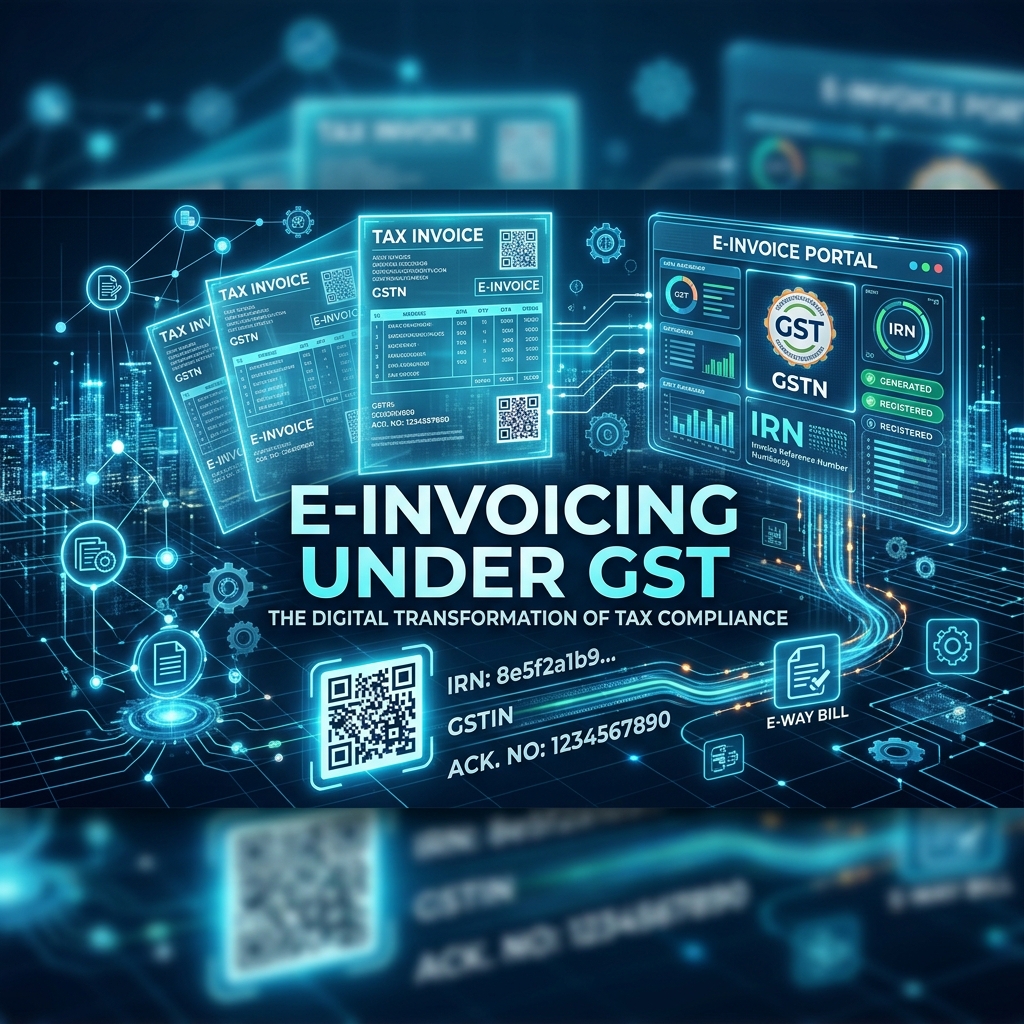
How E-Invoicing Works
- Generate Invoice — Create the invoice in your billing/ERP software with all mandatory fields
- Upload to IRP — Push the invoice to the Invoice Registration Portal
- Get IRN — The portal generates a unique Invoice Reference Number (IRN) and digitally signs it
- QR Code — A QR code is generated and embedded in the invoice
- Auto-Population — The invoice details auto-populate into GSTR-1 and GSTR-2B
The Critical 30-Day Rule
For businesses with AATO of ₹10 crore or above:
E-invoices must be reported to the IRP within 30 days of the invoice date. Invoices reported after this window are invalid for ITC purposes — meaning your buyer cannot claim input tax credit on them.
This makes timely reporting a commercial obligation, not just a compliance one.
Common E-Invoicing Mistakes to Avoid
| Mistake | Consequence | Solution |
|---|---|---|
| Late IRN generation (>30 days) | ITC blocked for buyer | Automate invoice push to IRP |
| Incorrect GSTIN of buyer | Mismatch in GSTR-2B | Validate GSTIN before invoicing |
| Missing HSN codes | Invoice rejected by IRP | Maintain updated HSN master |
| Not cancelling within 24 hours | Cannot cancel on IRP; must issue credit note | Review invoices same day |
Setting Up E-Invoicing — Step by Step
- Register on the e-Invoice Portal (einvoice.gst.gov.in) using your GSTIN
- Configure your ERP/billing software with API integration to the IRP
- Ensure all mandatory fields are captured: GSTIN, HSN code, invoice value, tax amounts
- Test with sandbox environment before going live
- Train your accounts team on the new workflow
Need help setting up e-invoicing? SmartAITax offers end-to-end GST compliance services including e-invoicing setup, ERP integration, and ongoing support.